Billing & Subscriptions
Roo Code Cloud offers a Pro subscription with a free 14-day trial, then $20/month, unlocking premium features including Roomote Control.
Subscription Plans
Free Tier
- Task history and sharing
- Detailed usage metrics
- Roomote Control Monitoring via Roomote Control:
- Follow along in real-time with task activity from your IDE
- Monitor tasks running in your IDE with live updates
- View live progress with streaming updates
- Visual indicators for task status (running, idle, interactive)
- No credit card required
Pro Plan ($20/month)
Free 14-day trial, then $20/month. Cancel anytime.
- Everything in Free Tier, plus:
- Full Roomote Control - Complete remote control capabilities:
- Chat Interface - Interact with the chatbox just as though you were in your IDE (includes message queuing, attaching images, changing modes, switching providers, and all standard chat features)
- Start New Tasks - Launch tasks in any connected workspace
- Stop Running Tasks - Safely terminate active tasks
- Task Switching - Navigate between tasks including resuming tasks that have been stopped or closed
- Priority support
- Monthly auto-renewal
Getting Started with Pro
Step 1: Access Upgrade
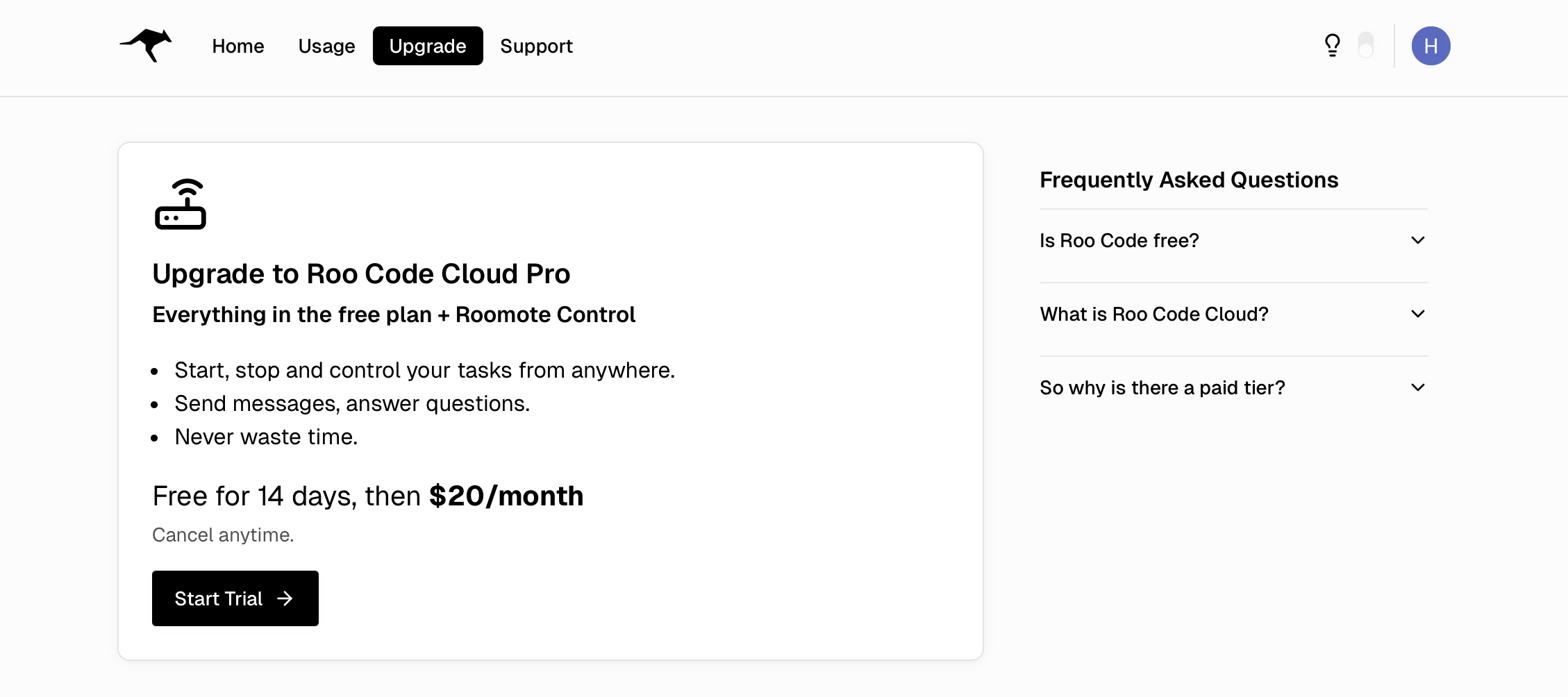
Open the Upgrade page (for non-subscribers):
- Go to app.roocode.com/billing
- Or click Upgrade from your dashboard
Step 2: Subscribe to Pro
The billing page displays:
- Upgrade to Roo Code Cloud Pro card
- Free for 14 days, then $20/month
- Start Trial button
To subscribe:
- Click the Start Trial button
- You'll be redirected to Stripe's secure checkout
- Enter your payment information
- Complete the checkout process
Step 3: Confirmation
After successful payment:
- Your subscription status shows as Active
- Full Roomote Control is automatically enabled
- You'll receive a confirmation email
- Access your enhanced features immediately
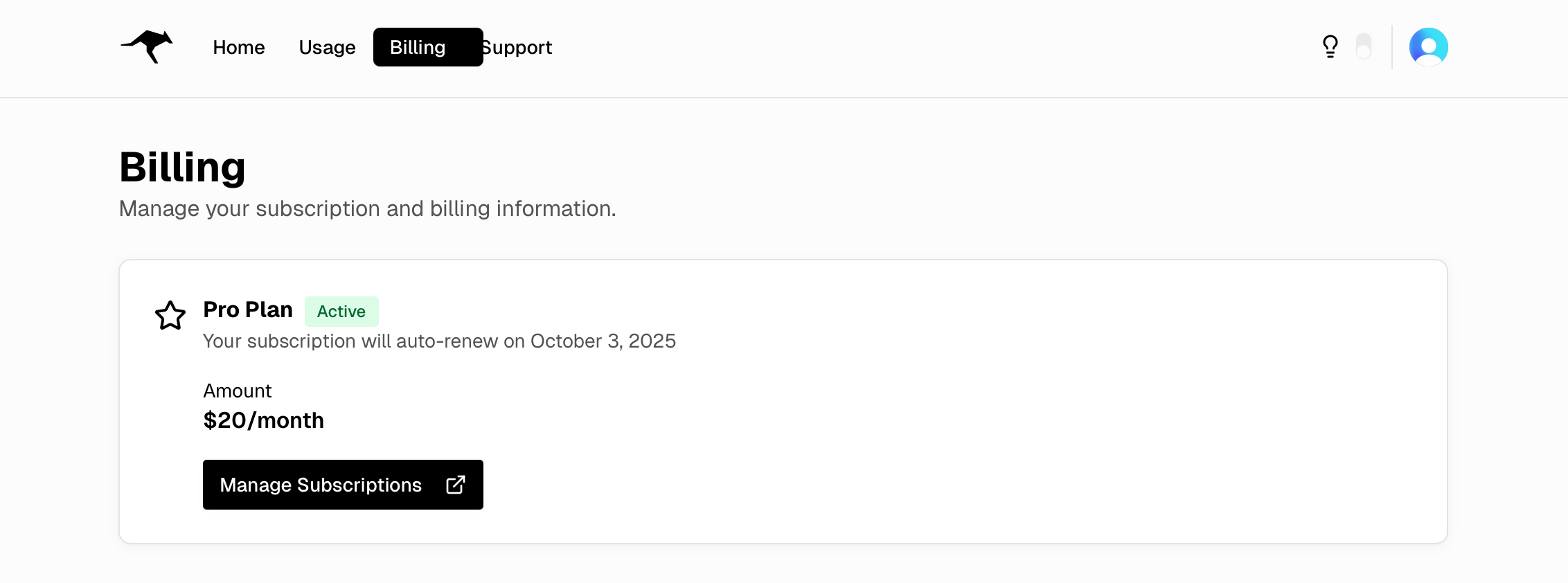
The navigation changes from Upgrade to Billing, where you can view your active plan and access the Stripe customer portal.
Managing Your Subscription
Subscription Portal
Access the Stripe customer portal to:
- Update payment methods
- Download invoices
- View billing history
- Change billing information
Click Manage Subscription on your billing page to access the portal.
Subscription Status
Your billing page displays:
- Active - Subscription is current and features are enabled
- Canceled - Subscription will end at period close
- Expired - Subscription has ended, features disabled
Cancellation
To cancel your Pro subscription:
- Go to your billing page
- Click Manage Subscription
- Select Cancel Plan in the Stripe portal
- Confirm cancellation
During the 14-day trial, cancel before the trial ends to avoid the first charge. After you are billed, Pro features remain active until the end of your current billing period. You can resubscribe at any time.
Payment & Security
Payment Processing
- Payments are securely processed through Stripe
- We never store your credit card information
- PCI-compliant payment handling
- Supports all major credit cards
Billing Cycle
- Monthly billing on the same date each month
- Automatic renewal unless canceled
- Immediate access upon payment
- Prorated refunds not available